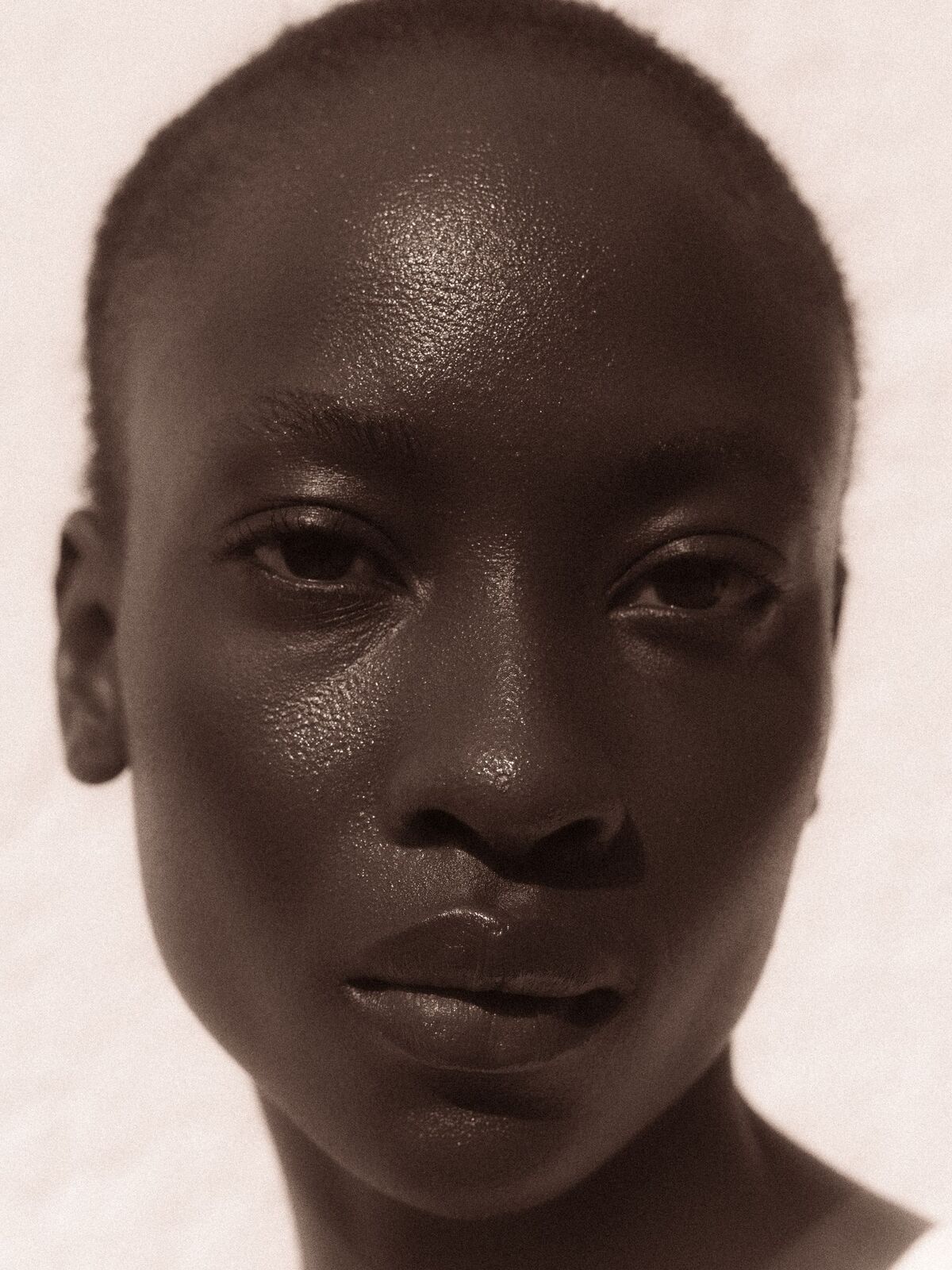
It finds your face.
A face landmark model from Google's MediaPipe, open source under the Apache 2.0 licence, runs inside the page. It places points on your face so we know exactly where your cheeks and forehead are.
478 points per face
No account, no upload. Here is exactly what happens between your camera and the three shades we show you, and where it can go wrong.
A face landmark model from Google's MediaPipe, open source under the Apache 2.0 licence, runs inside the page. It places points on your face so we know exactly where your cheeks and forehead are.
478 points per face
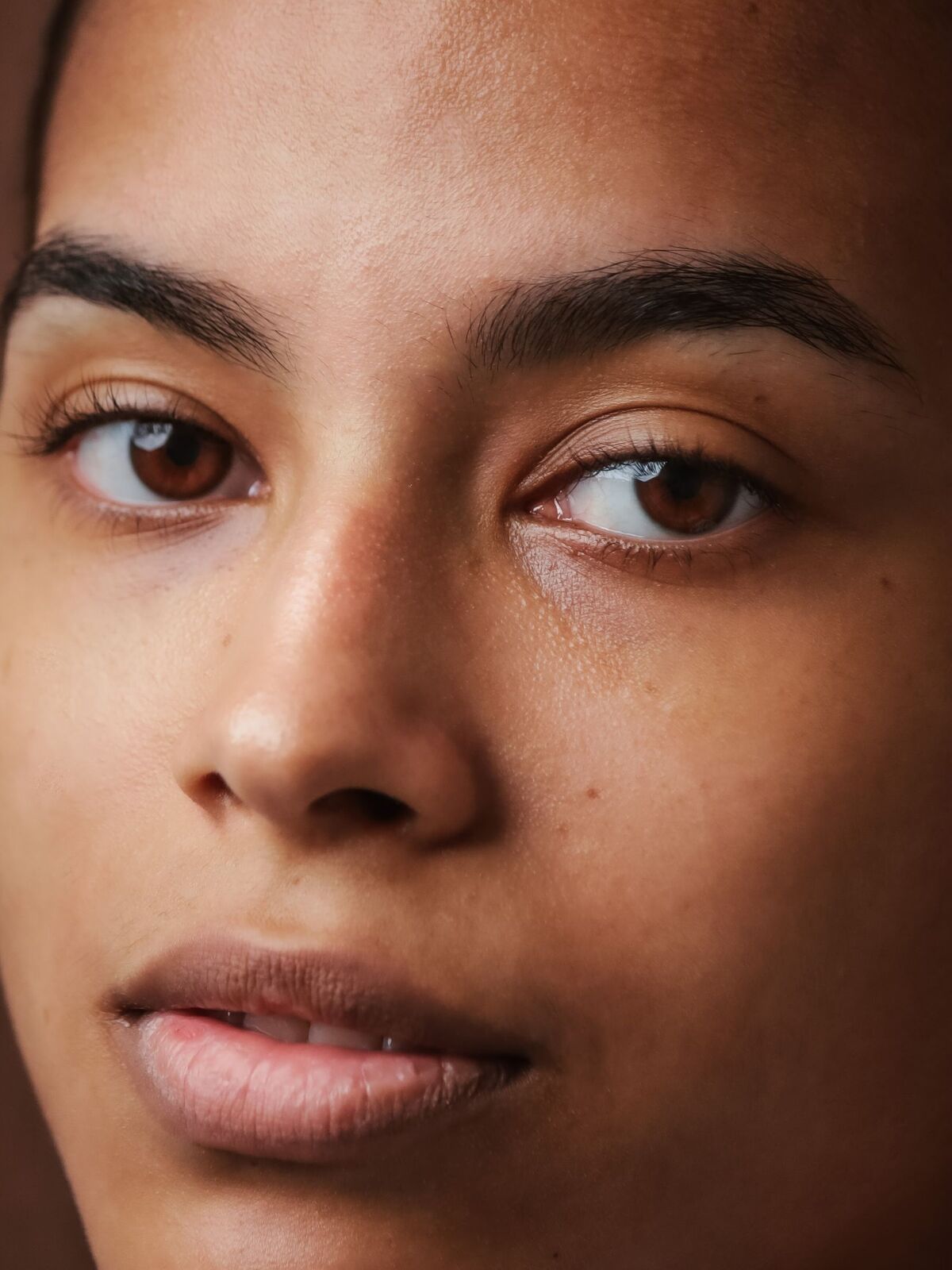
Both cheeks and the forehead. In each patch the darkest and brightest pixels are dropped, so shadows, shine and stray hair do not pull the colour. If the three patches disagree, we tell you and lower the confidence.
3 patches, darkest and brightest 18% left out
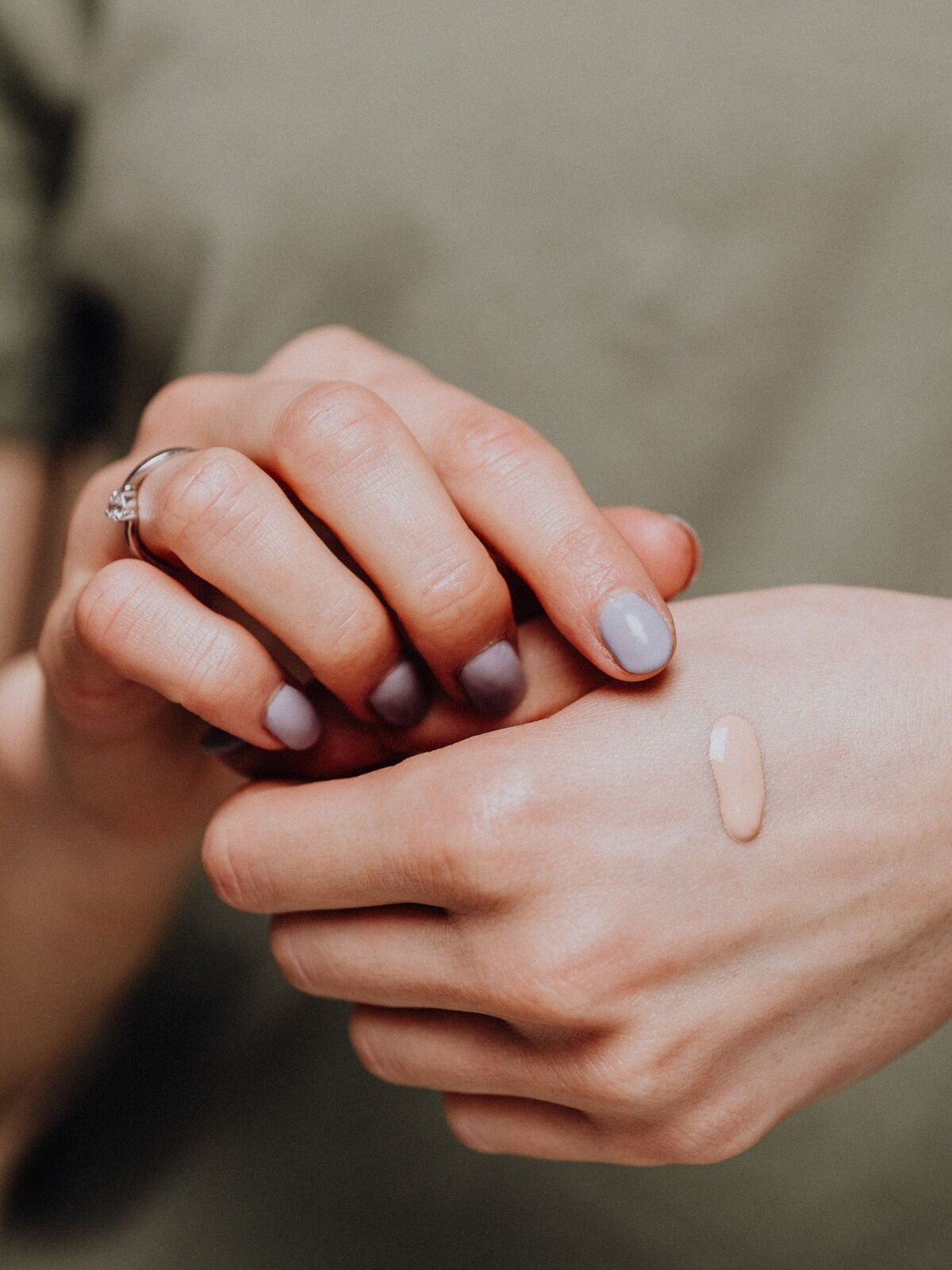
A warm lamp makes everyone look golden. The finder estimates the colour of your light from the brightest parts of the picture and the room around you, then removes most of that cast. Strongly coloured walls are not mistaken for the light.
70% of the measured cast is corrected, never more
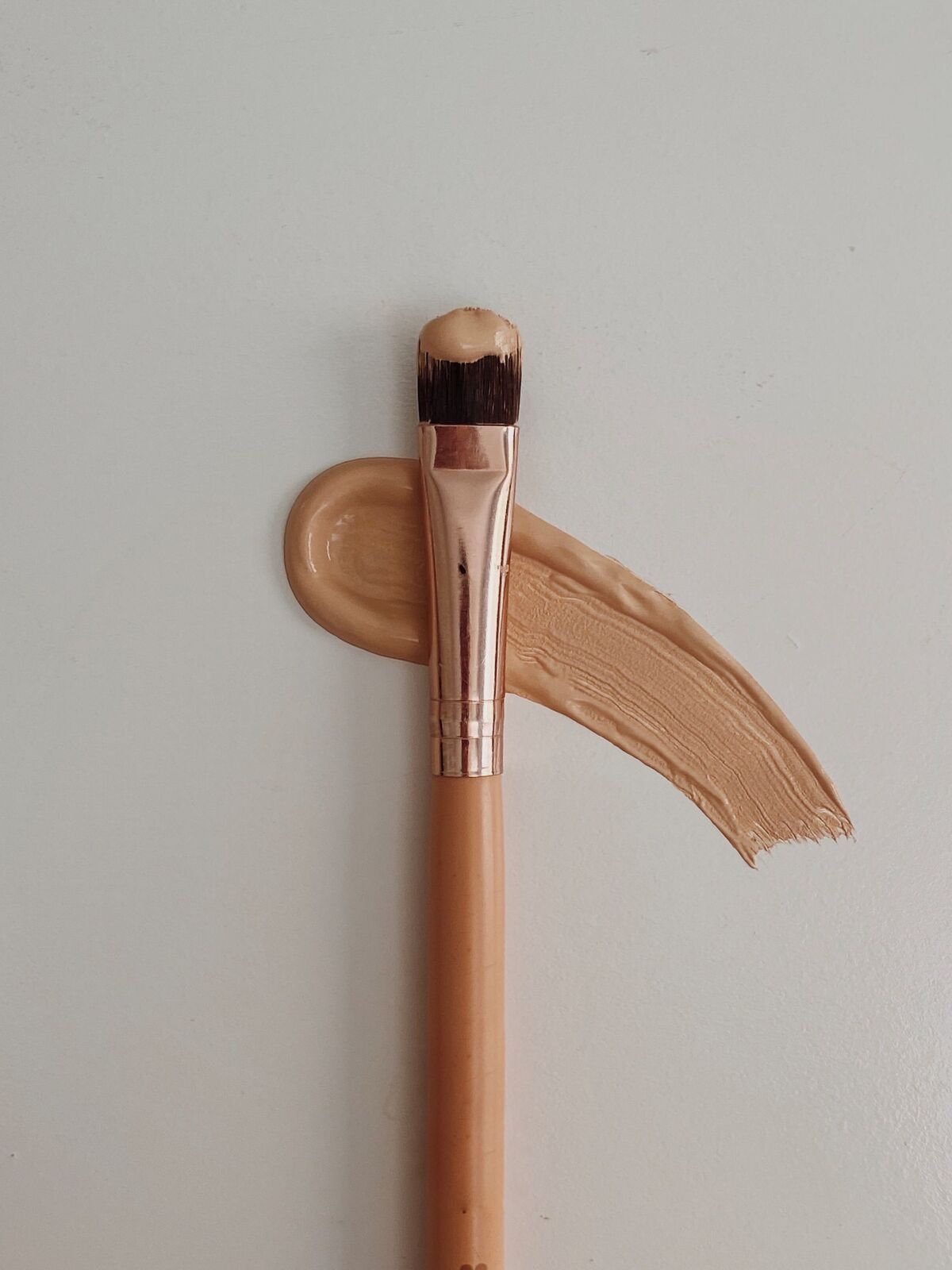
OKLab is a colour space built so that equal distances look equally different to the eye. Your reading and each of the 36 shades are points in it; we show the three nearest, with a confidence that falls as the distance grows and when the light was poor.
36 shades: 12 depths × 3 undertones
The model, the code and your pictures stay in your browser. Nothing is uploaded, recorded or stored. The camera turns off when the reading ends or when you leave the step. Only the shade code you choose to keep is saved, on this device, and you can clear it here.